One job's pictures in one place — and you can just say “number 3”
Put in the pictures you have · get several numbered designs · pick one and keep editing. Everything in the pack follows one brand.
- Start without paying — a new account gets a starting allowance of 1,000 power units. Making pictures with AI is a paid capability; an account without it can try 3 images in total, and those spend power units from that same allowance.
- Past the starting allowance and want to keep going? The business plan starts at ฿669 a month.
- See the real prices, every package →
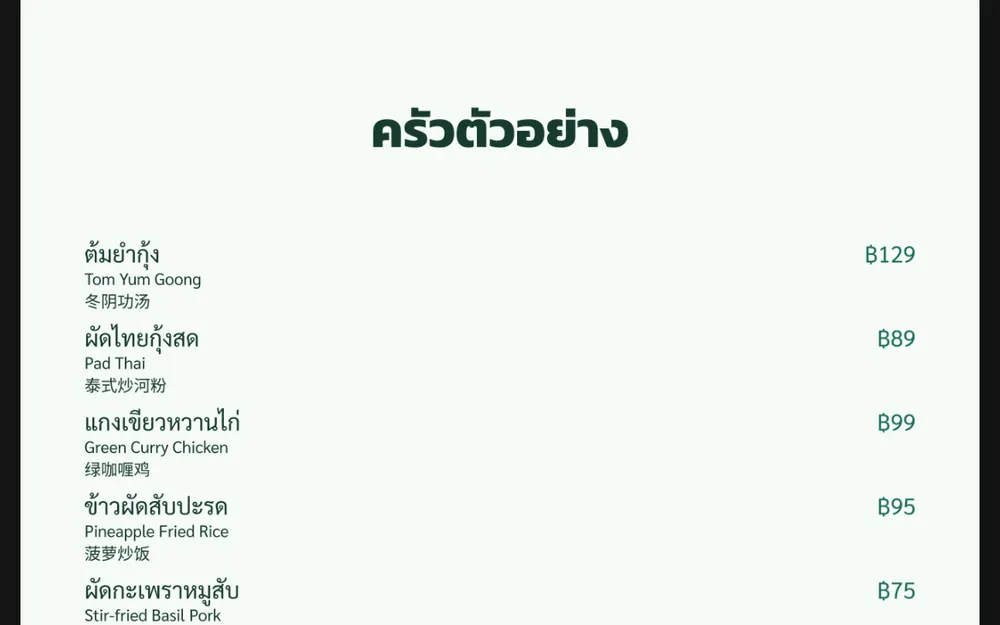
Real product screens · sample data
What one job pack actually looks like
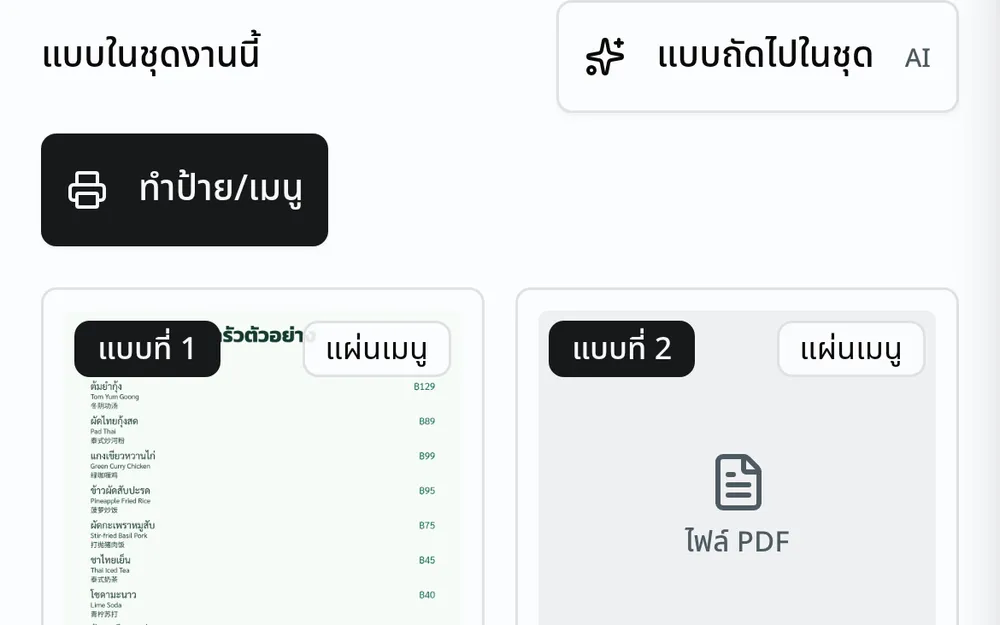
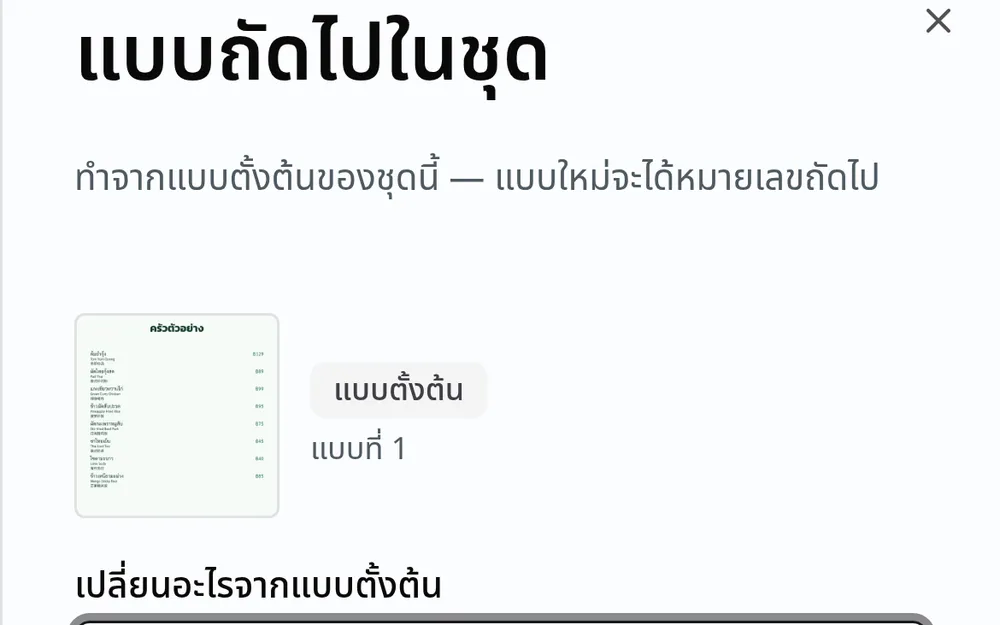
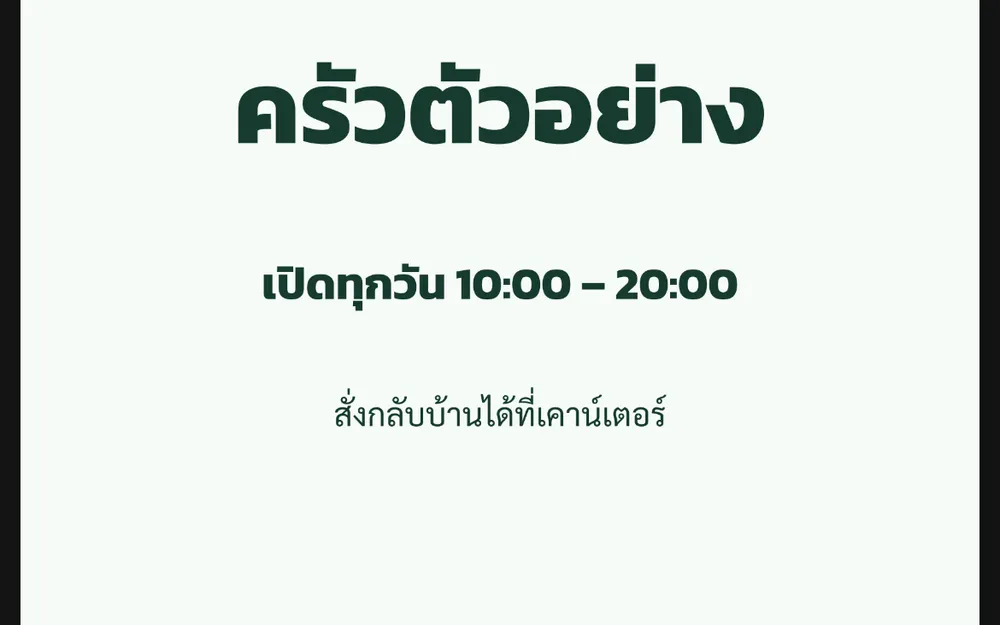
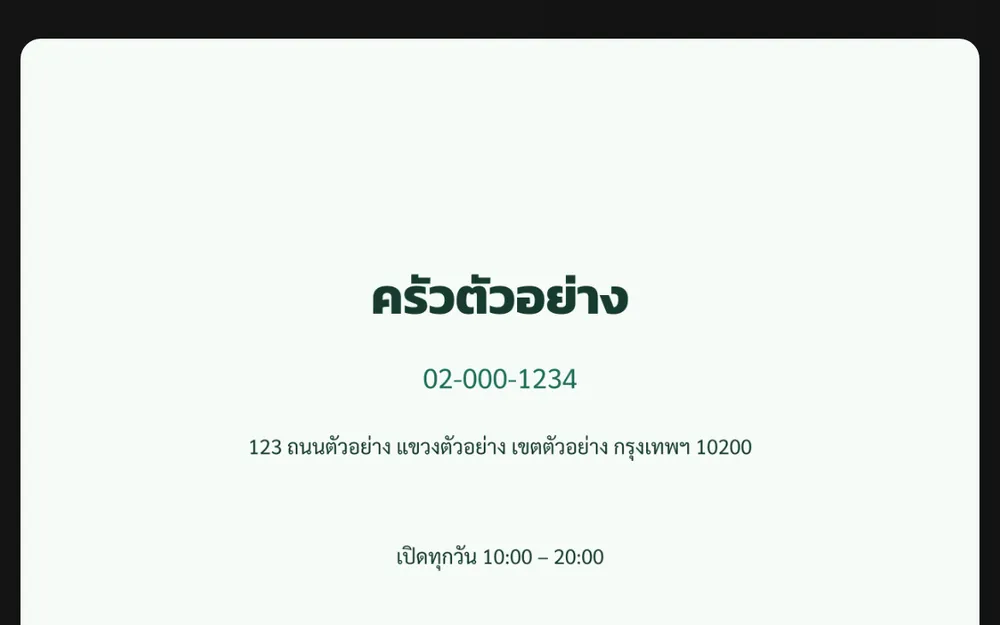
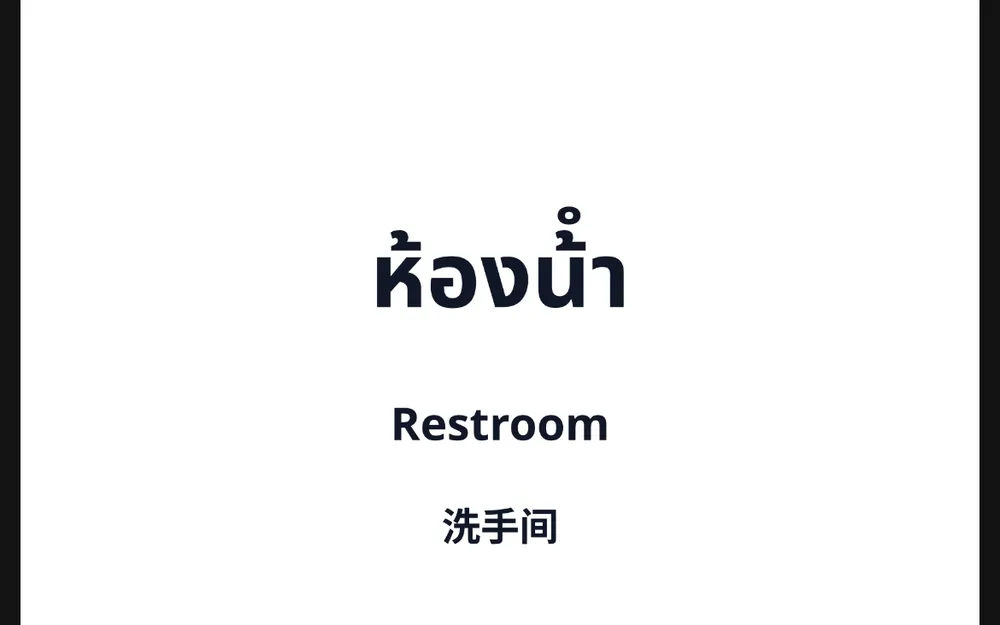
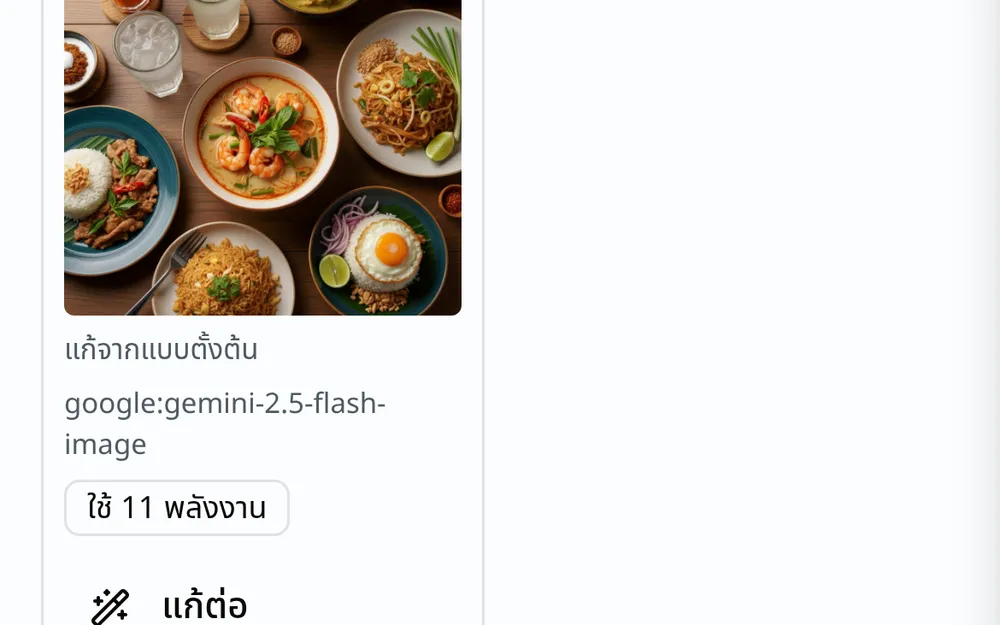
What actually changed
Opening a shop is never one picture. It is a door sign, a menu, a post for LINE and a price card — and they have to read as one shop.
See what was just added, in the changelogOpen a real menu site published from FlareAppsWhat you can do
A job pack
One job, one pack: the references you put in, every design made from them, and the brand they follow — in one place, not scattered through a chat.
Designs with numbers
Every design keeps its own number, and the number does not move — “number 3” is still the same picture tomorrow.
Your shop's brand kit
If your shop has a brand kit, every design follows it; if not, the Studio says so and lets you make one right there.
Tell the assistant what picture you want
In your business workspace, tell the assistant what picture you want: it makes one from your references, edits it again, and applies your brand kit's colours and fonts, telling you the cost before each render. Text and prices on the picture are not yet open in this version.
What it does not do yet
- The AI never draws a payment QR, an account number or a price, and there is no button that asks it to — "Make a sign/menu" is what places your catalog prices and the payment QR you uploaded onto the sheet, and then reads the code back off the finished sheet to confirm it still scans to the same number.
- This version composes Thai and English with one of these per sheet: Simplified Chinese (all 6,763 characters of the GB 2312 set), Japanese written with kana (JIS X 0208) or Korean written in hangul (KS X 1001 plus every modern hangul syllable). Traditional characters are not yet included.
- An image model can draw text — and it can draw it wrong, and nobody can tell which by looking. A price with one wrong digit on a sign is real money.
- It cannot alter a person's face, and there is no layer-based editor.
Who it's for
Small shops that need their own signs and menus — a grocery, a massage or hair shop, a café, a market stall, an online shop, and a place about to open.
Open the Studio in my account
Where it sits in FlareApps
A finished design is a file in your Library, so it goes straight onto your website, onto a product, or out to someone — no download-then-upload.
The pictures you upload are files in your own account. You can delete them, and you can take them out whenever you want.
Ask it to edit a person's face in a reference picture and it refuses the instruction. A picture with someone in it may only be one you have the right to use. See the Terms of Use.
See your shop's file libraryHow the power units are counted
- AI image generation is metered in power units per render — including when you ask the AI to work again from an existing design, which counts as another render. It also needs a package that includes image generation; power units alone are not enough. Uploading your own pictures, and the edits you make yourself such as cropping, rotating or colour, are not.
- Every time a picture is about to be made — the next one in the set, or one the assistant makes — the screen says up front that it will use power units, and gives you the figure whenever it can read one. When it cannot, it says so rather than guessing a number.
- Prices include 7% VAT · Ask for a full tax invoice via LINE OA
What you can check about us
- Operated by Flare Agency Co., Ltd. · 670/352 ซอยสุทธิพร ดินแดง กรุงเทพ 10400 · Company registration no. 0105555049713
- A real person reads and answers what you send us · Mon–Sat 09:00–17:00 (Thailand time) · Outside those hours your message is recorded and waits for us — we don't promise a reply time yet; live status is at Platform status
- LINE is our only social channel — we do not have a Facebook page yet
- Ask for a file of your account data yourself — 41 sections, and the file states its own scope inside it · a business's own records are a separate set · ask us to delete your account, with a 30-day grace period before anything is erased · Privacy policy
- Platform status, the changelog and the issue tracker are all public · We are in beta — what is not built yet is written down in the changelog rather than left out · Platform status · Changelog · Report an issue
- Two-factor authentication (TOTP) with backup codes, and a session and device registry you can review and revoke yourself · When you set a password we hash it with Argon2id, and the secrets we hold for you — two-factor codes, saved passwords, the sign-in tokens from Google and LINE, and integration keys — are encrypted before they are stored. For your password vault we also keep the key, so it opens on any device you sign in to.
- Your servers, databases and uploaded files are on AWS in Thailand — your Aria conversations and video transcoding are processed in Singapore · AI work is processed in Singapore, the United States or Google's global network · every other provider we use is listed in the privacy policy
- The price you see on the pricing page is the price we charge
Common questions
Questions people actually ask
- I have a nephew who does Canva for me — why use this?
- If he is free every time you need a picture, keep him. What is different here: one job's pictures stay together as a set, every design carries its own number so you can just say “number 3”, and they all use the same brand kit's colours and fonts without anyone being told to.
- Do I need a website first?
- No. Job packs open from your own workspace and have nothing to do with whether you have a website.
- Will the price on the sign match the real price?
- With "Make a sign/menu", the printed price is your catalog price at the moment you make the sheet — change a price later and you make a new sheet. On AI-made designs the system never draws price numbers; add those at the print shop or in the program you already use.
- What if my shop has no brand kit?
- The Studio says so plainly and lets you make one right there — or you can carry on without: the pack follows the pictures you gave it instead.
- Can I take the file to a print shop?
- Yes. What you get is an ordinary image file: download it and hand it to the print shop. Picking a ready-made size for each kind of print job is not open in this version — tell the assistant the size you want, or let the print shop scale it.
- Can it edit a person's face?
- No. Ask it to edit a person's face in a reference picture and it refuses the instruction. A picture with a person in it can be used as a reference only if you have the right to use it. See the Terms of Use.
- Can it do Chinese, Japanese or Korean?
- Yes, with limits — the Studio composes Simplified Chinese (Noto Sans SC, all 6,763 characters of the GB 2312 set), Japanese written with kana (Noto Sans JP, the JIS X 0208 set) and Korean written in hangul (Noto Sans KR, KS X 1001 plus every modern hangul syllable), on the same sheet as Thai and English. A sheet uses one of these three faces; a label written only in kanji or hanja is drawn by the Simplified face, and a character outside the face's set is refused and counted, never drawn as an empty box. Traditional characters are not yet included in this version.
- How am I charged?
- Asking the AI to make a picture is metered in power units per render. “Next in the set” and a picture the assistant makes both tell you the cost before they start — and when the price cannot be read, the screen says so instead of showing a number; “edit again” in the editing screen is another render and is metered too, and the screen says it uses power units. Uploading your own pictures, and the edits you make yourself such as cropping, rotating or colour, are not.
- If I stop using it, where are my pictures?
- In your account's Library. You can download all of them, and you can delete them yourself at any time.
- Why does an AI picture sometimes miss?
- Because it is guessing from your words and the pictures you gave it. When it misses, use “next in the set”: that edits the pack's base plate rather than starting over, so a set does not drift further with every try.
Have a question? Ask us
Ask us anything before you sign up — whether it fits what you do, what it costs, how to move across what you already have. A real person reads these and replies on the contact you leave below.
Start with the job in front of you
Open one job pack, put in the pictures you have, and see what comes out. Nothing to prepare first.
If you get stuck, message us on LINE — a real person reads it.