Build the page by dragging
Drag the block you want into place, type over the sample text, swap the picture from your own library. No step needs code.
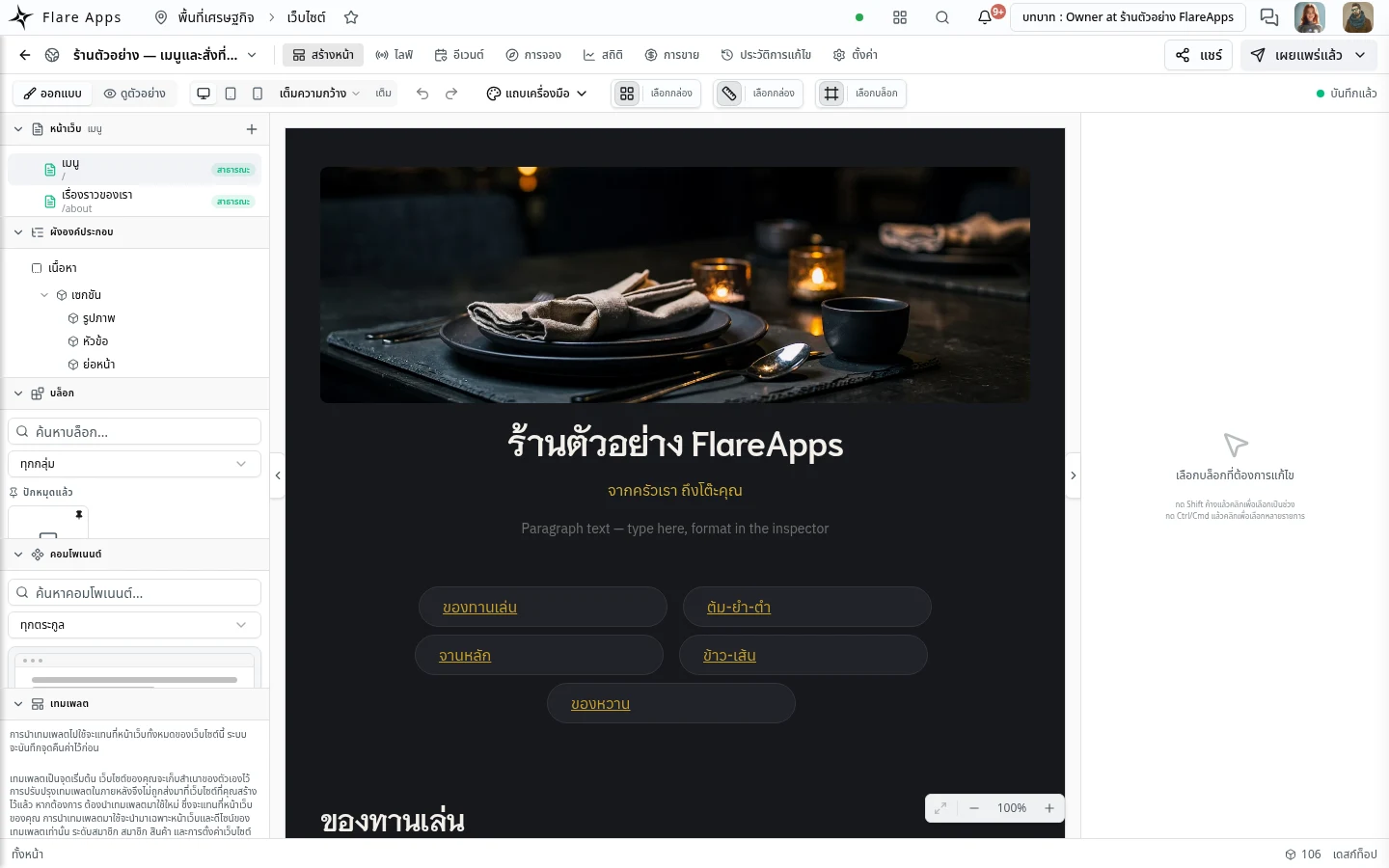
Pick a template · drag your content into place · press publish
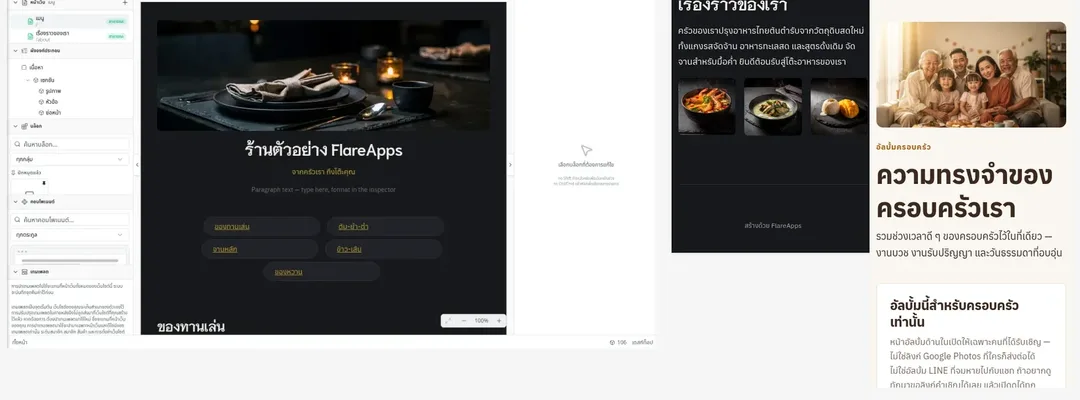
Both of these are live. Open them, and share them in LINE the way you would any other link.
A photo menu in sections, with a QR code for the table.
The cover is open to everyone; the photo pages sit behind an invitation. Try opening one.
32 of the 36 templates arrive with Thai sample content. Change the words, change the pictures, publish.
This template sells to visitors — read what is not ready yet
Ready
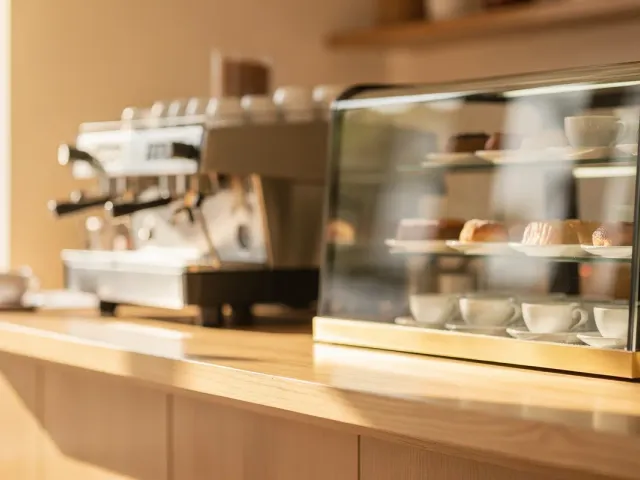
Café & bakery menu — Warm Café

Family album
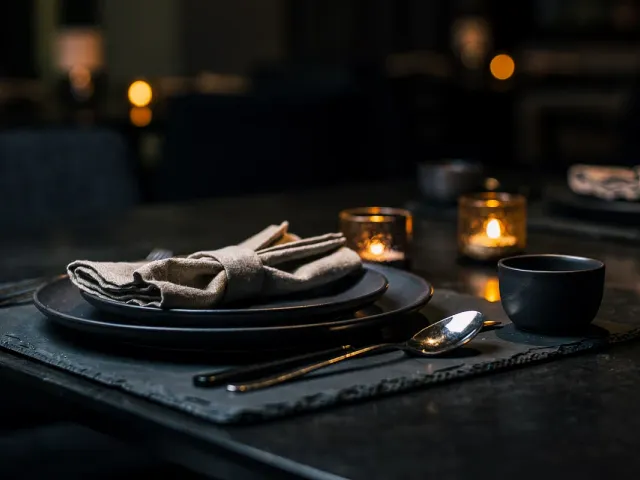
Full restaurant menu — Dark Dining

Launch / Waitlist

Launch / Waitlist — Studio

Memory album
Beta — available now
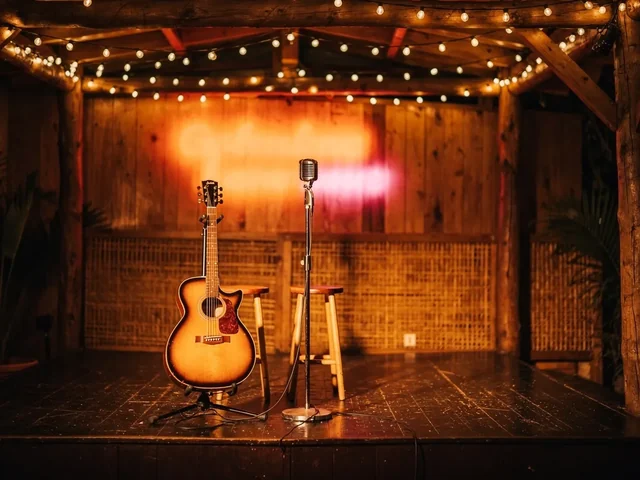
Bar & venue — Live Bar

Bar & venue — Night Venue
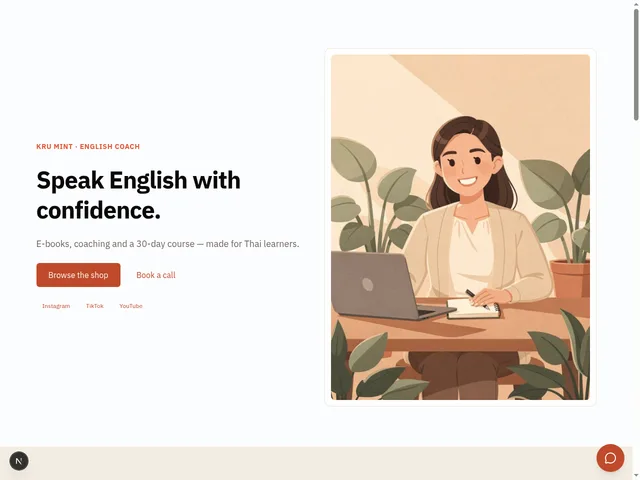
Creator Storefront
This template sells to visitors — read what is not ready yet
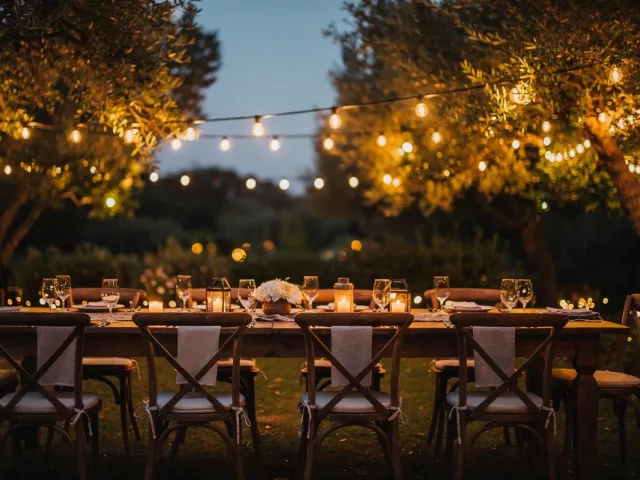
Event — Celebration

Event — Merit & Ceremony
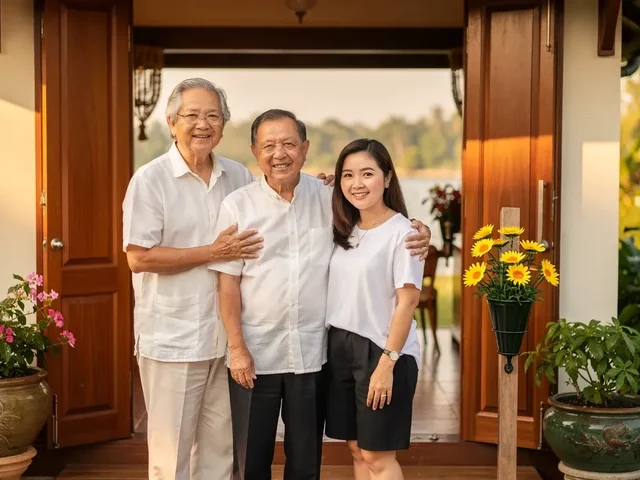
Guesthouse — Baan Rim Nam

Hire Me — Creative
This template sells to visitors — read what is not ready yet

Hire Me — Studio
This template sells to visitors — read what is not ready yet

Hostel — Pai Loft
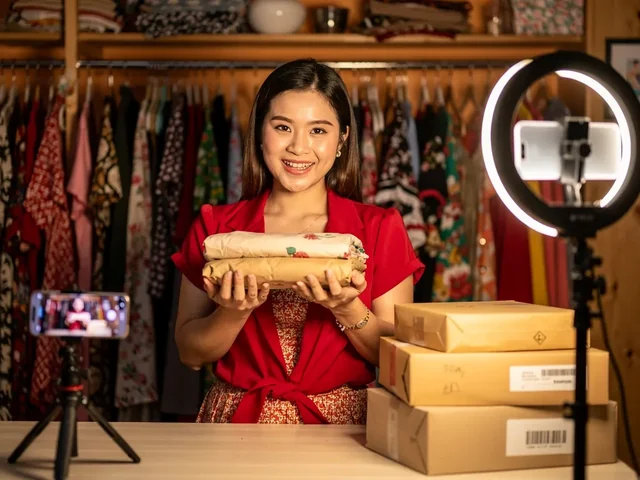
Live selling — nightly live
This template sells to visitors — read what is not ready yet

Live selling — scheduled drop
This template sells to visitors — read what is not ready yet
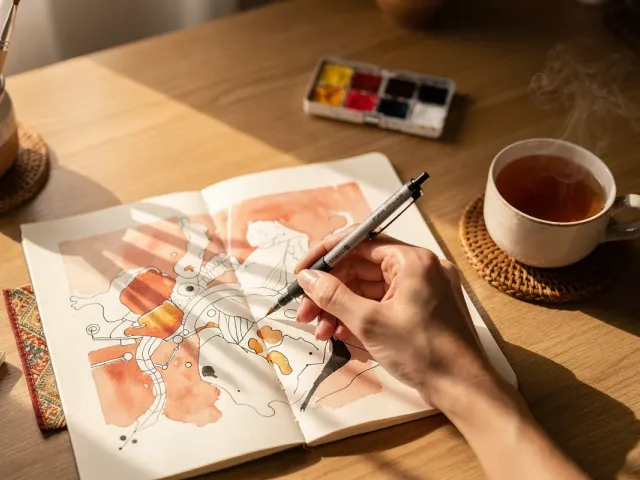
Membership — Artist Fan Club
This template sells to visitors — read what is not ready yet

Membership — Studio
This template sells to visitors — read what is not ready yet

Paid Course — Craft
This template sells to visitors — read what is not ready yet

Paid Course — Studio
This template sells to visitors — read what is not ready yet
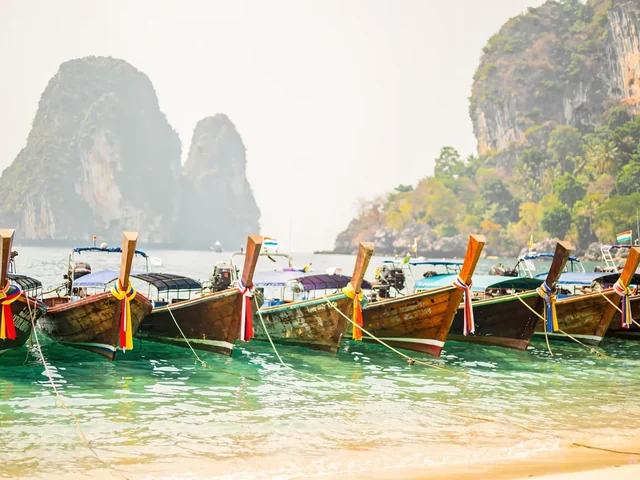
Tours — Andaman Islands

Tours — River Adventure

Trip Guide — City
This template sells to visitors — read what is not ready yet
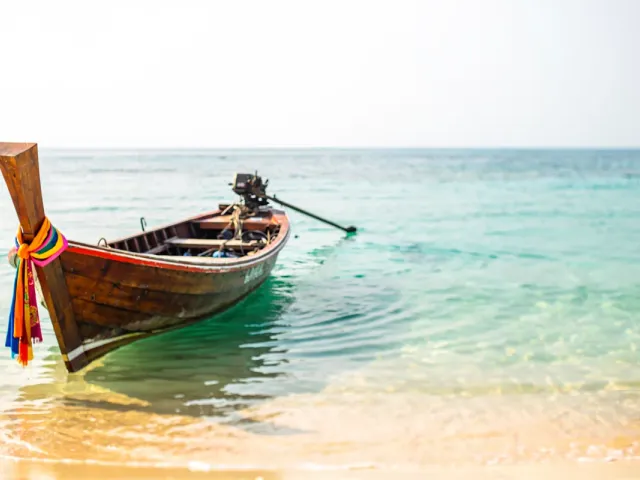
Trip Guide — Island
This template sells to visitors — read what is not ready yet
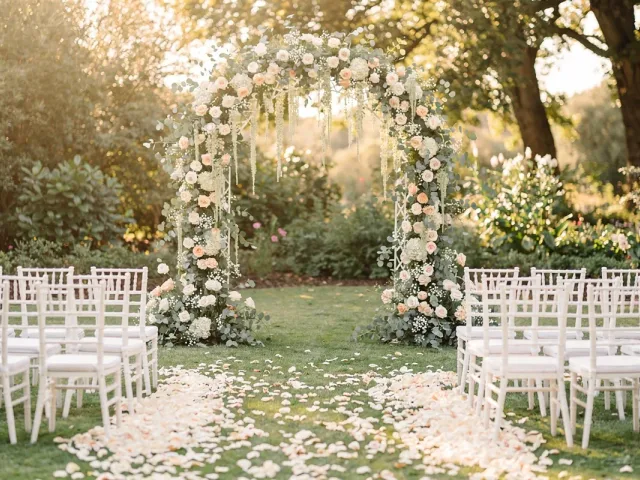
Wedding — Garden Romance
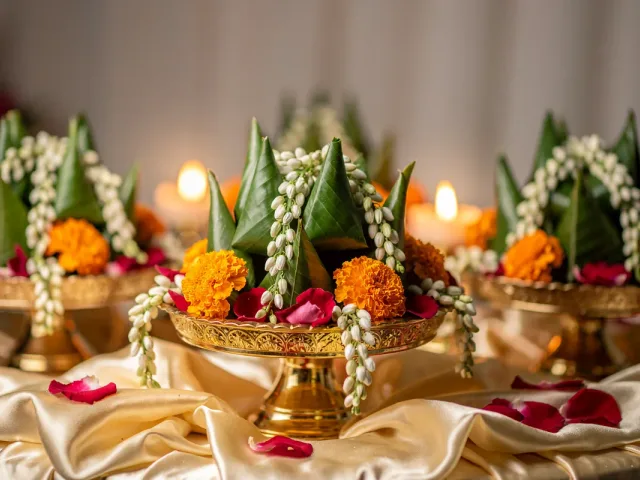
Wedding — Golden Ceremony
Other templates
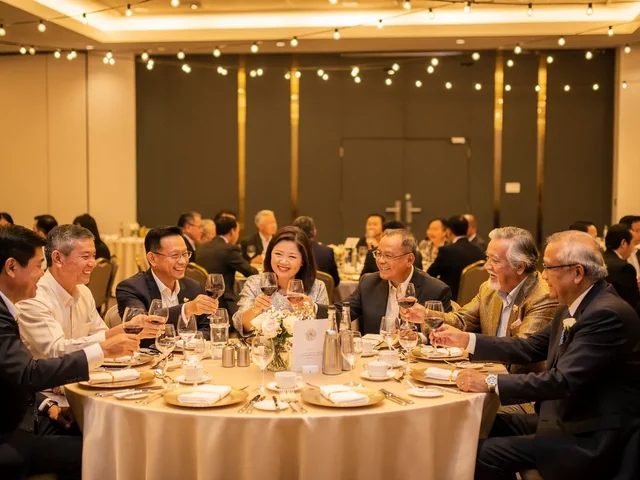
Alumni association hub
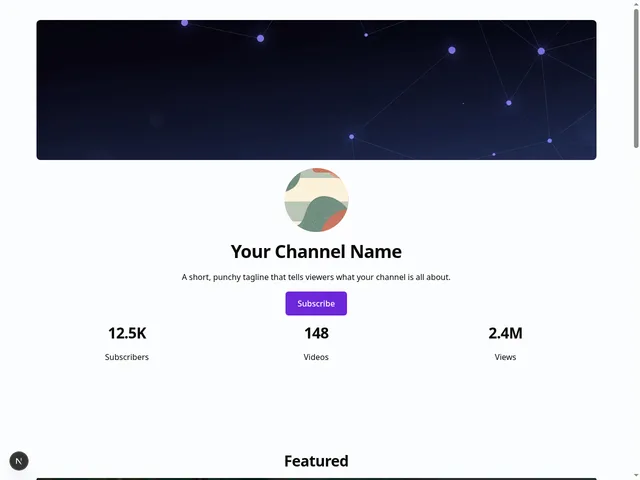
Creator Channel
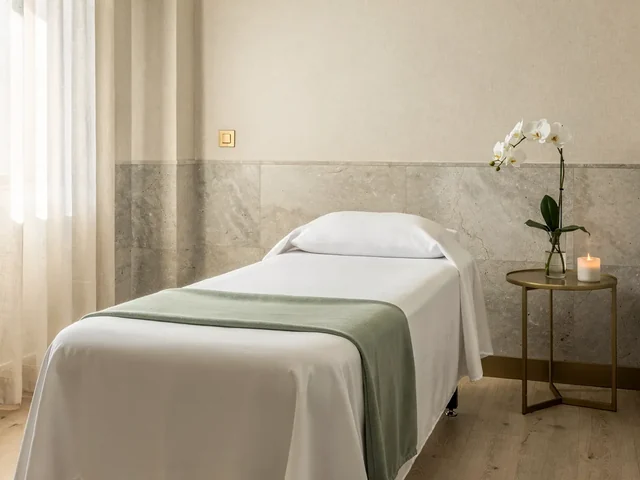
Day Spa — Saranya
In development
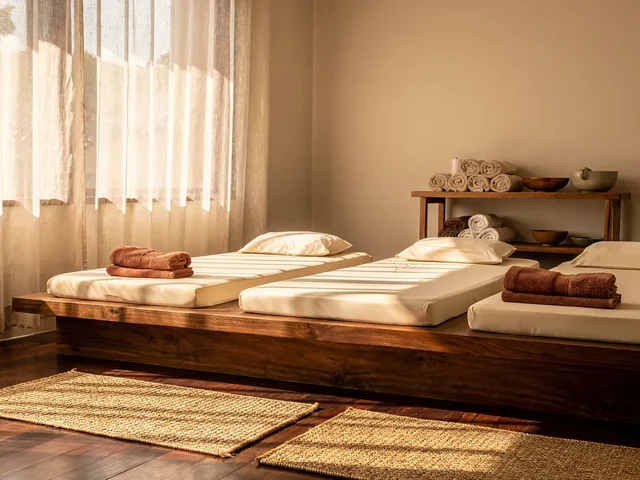
Massage — Sabai Dee
In development

Parent community hub
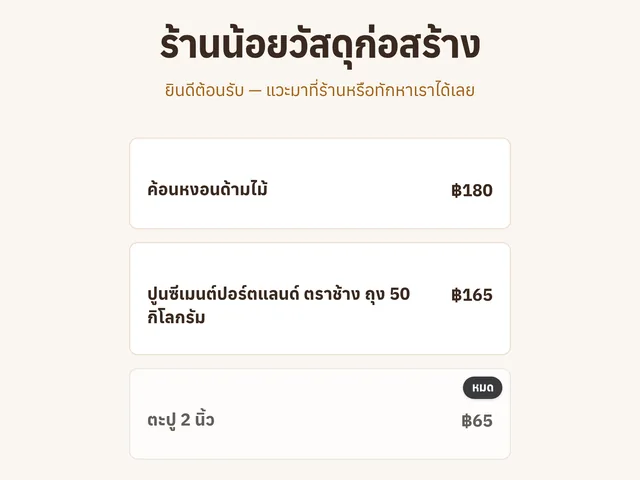
Shop page — goods & prices
In development
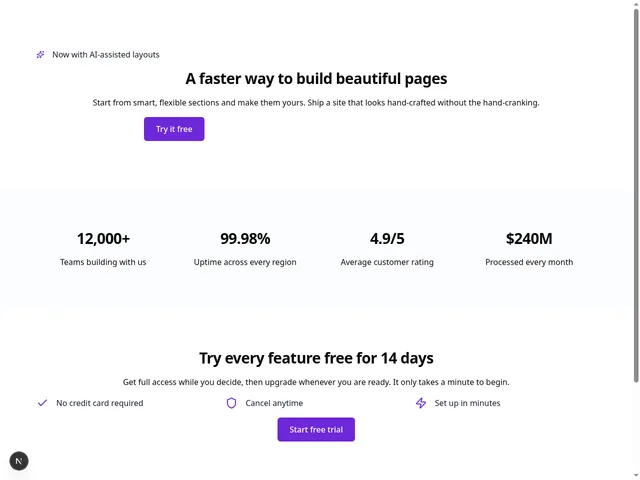
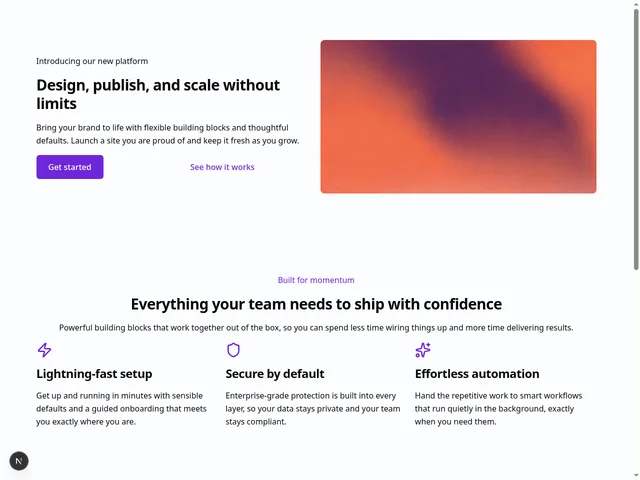
Starter Landing Page
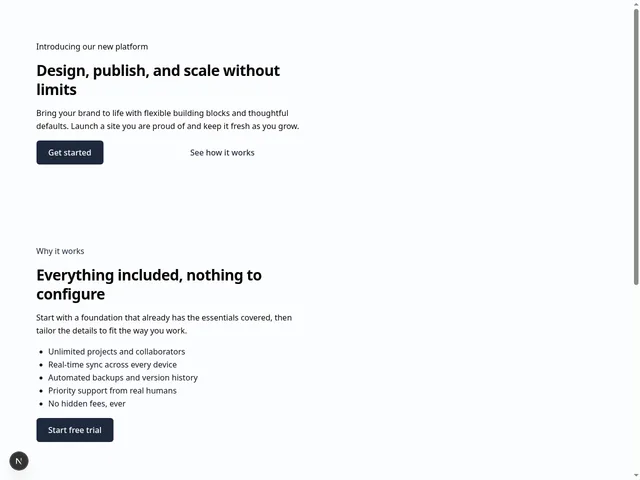
Starter Portfolio
Starter Storefront
This template sells to visitors — read what is not ready yet
36 templates · 25 kinds of site · 51 kinds of block to build a page from
Template photos are AI-generated; the screenshots are real FlareApps screens.
Drag the block you want into place, type over the sample text, swap the picture from your own library. No step needs code.
Switch to preview and pick a device — phone, tablet or desktop. You see the page your customer will see.
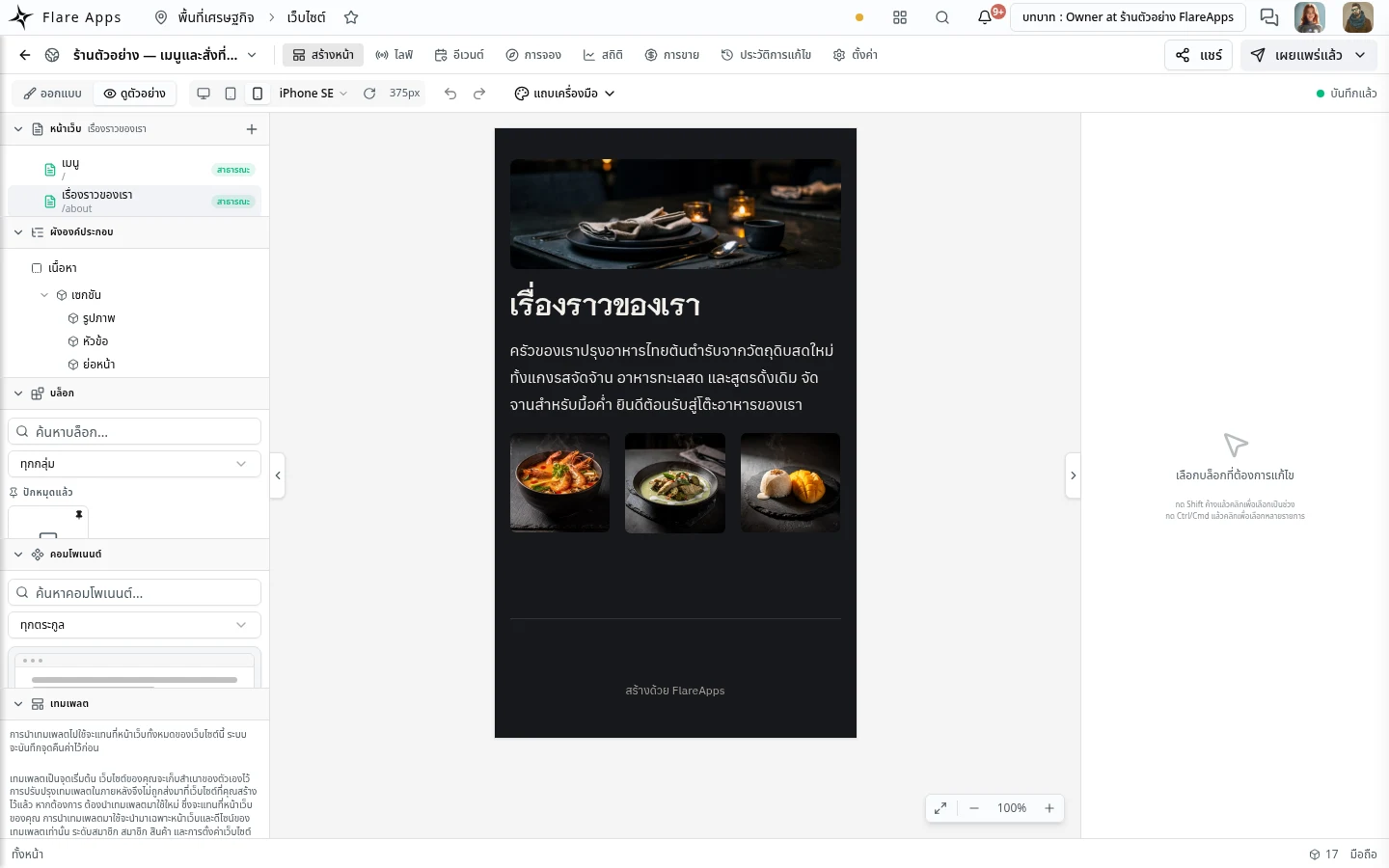
Choose which pages are open and which are for people you invite. Closed content is stripped on the server, not just hidden by styling.
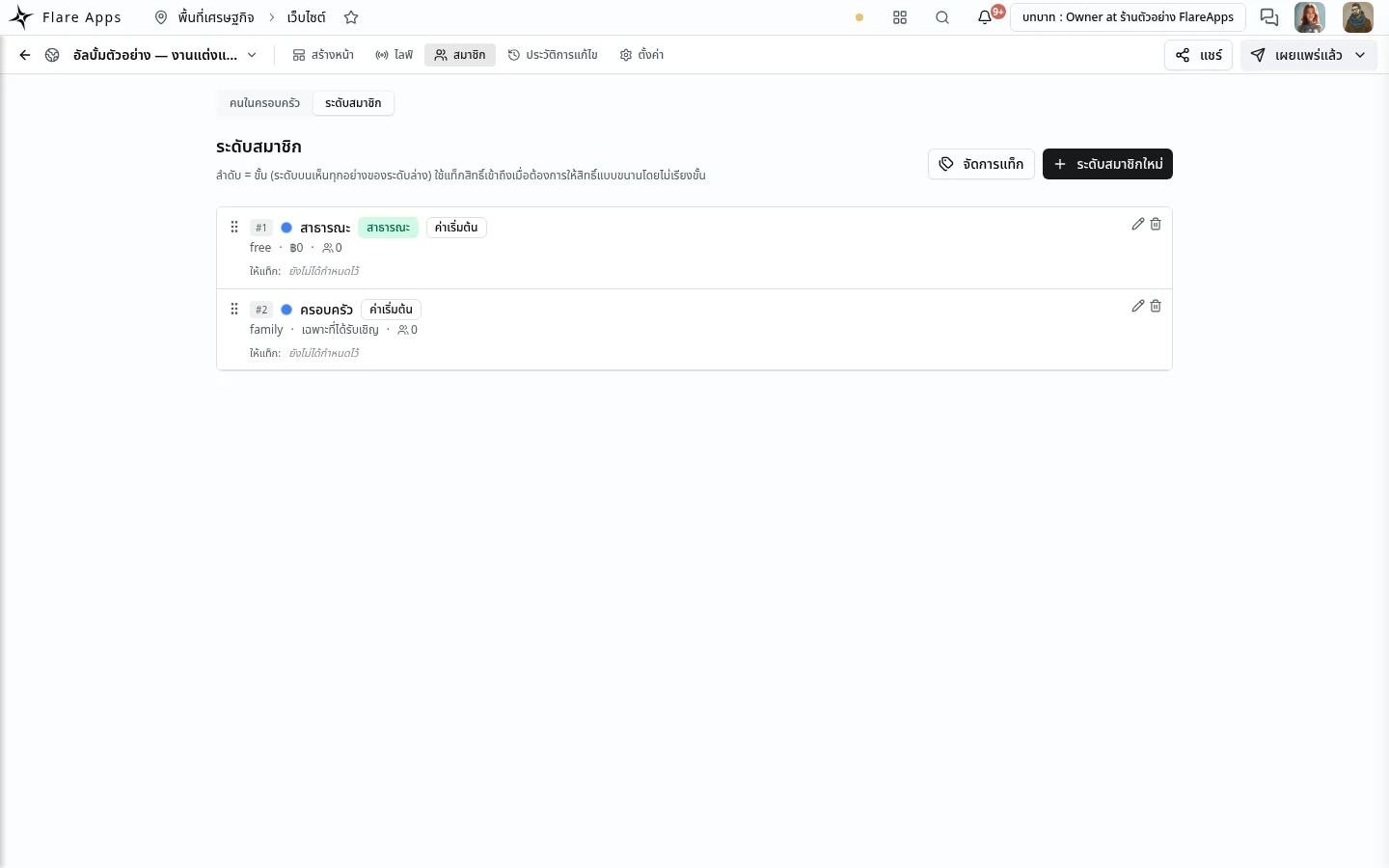
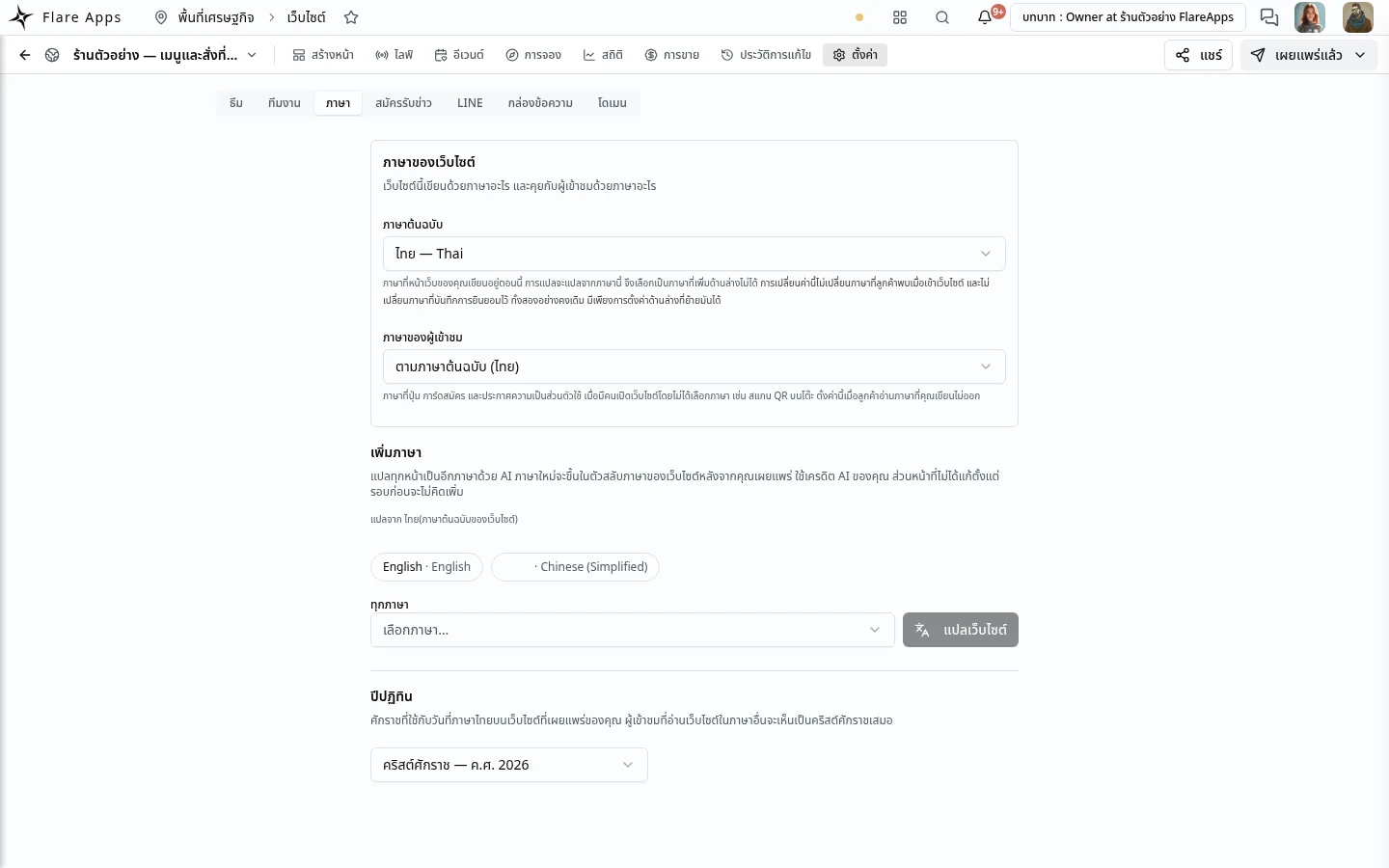
Press "Add a language" and the page is translated for you; you can edit any translated word yourself. Few people use this yet.
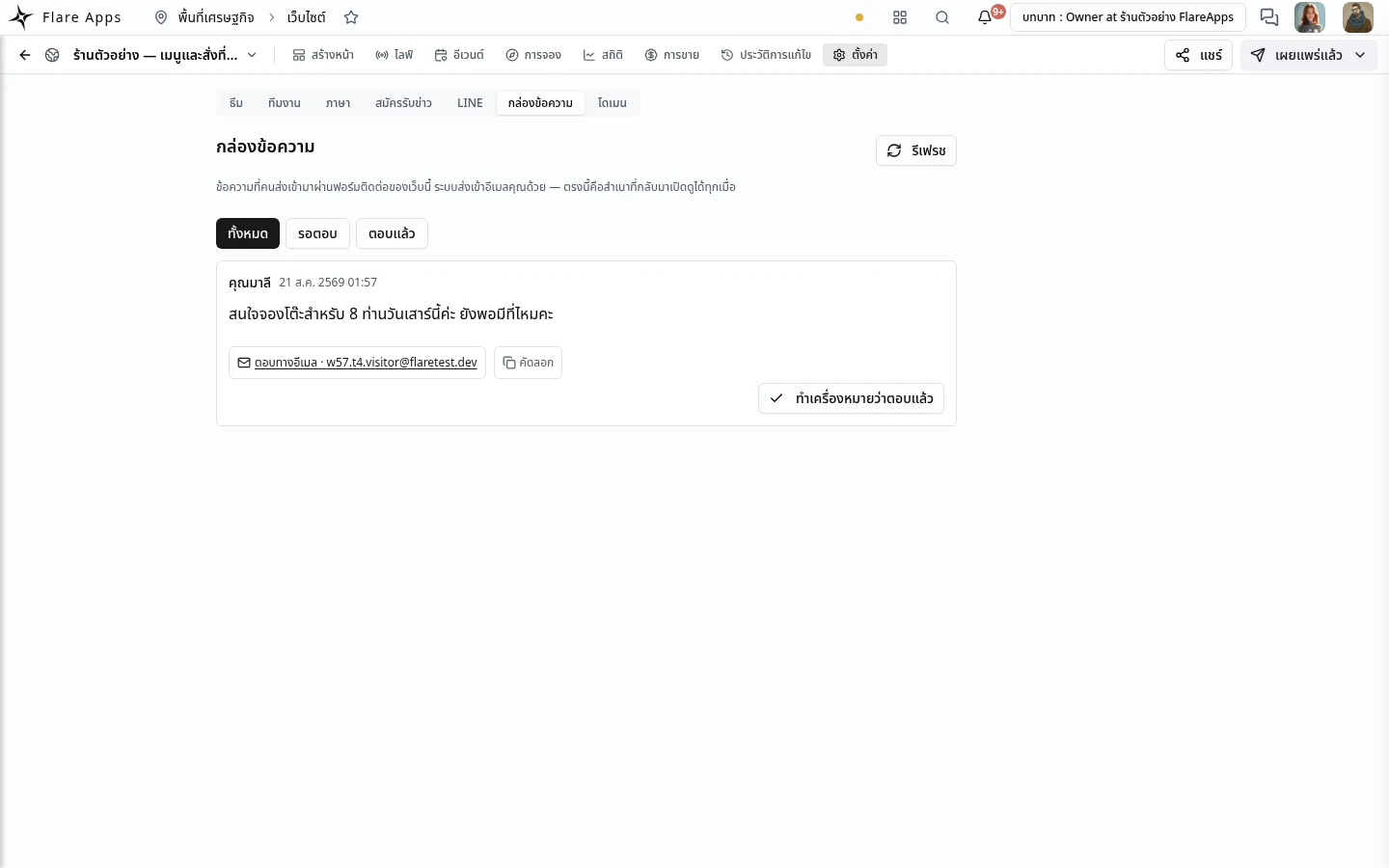
Put a contact form on the page. What people send arrives in that site's inbox — no separate mailbox to wire up.
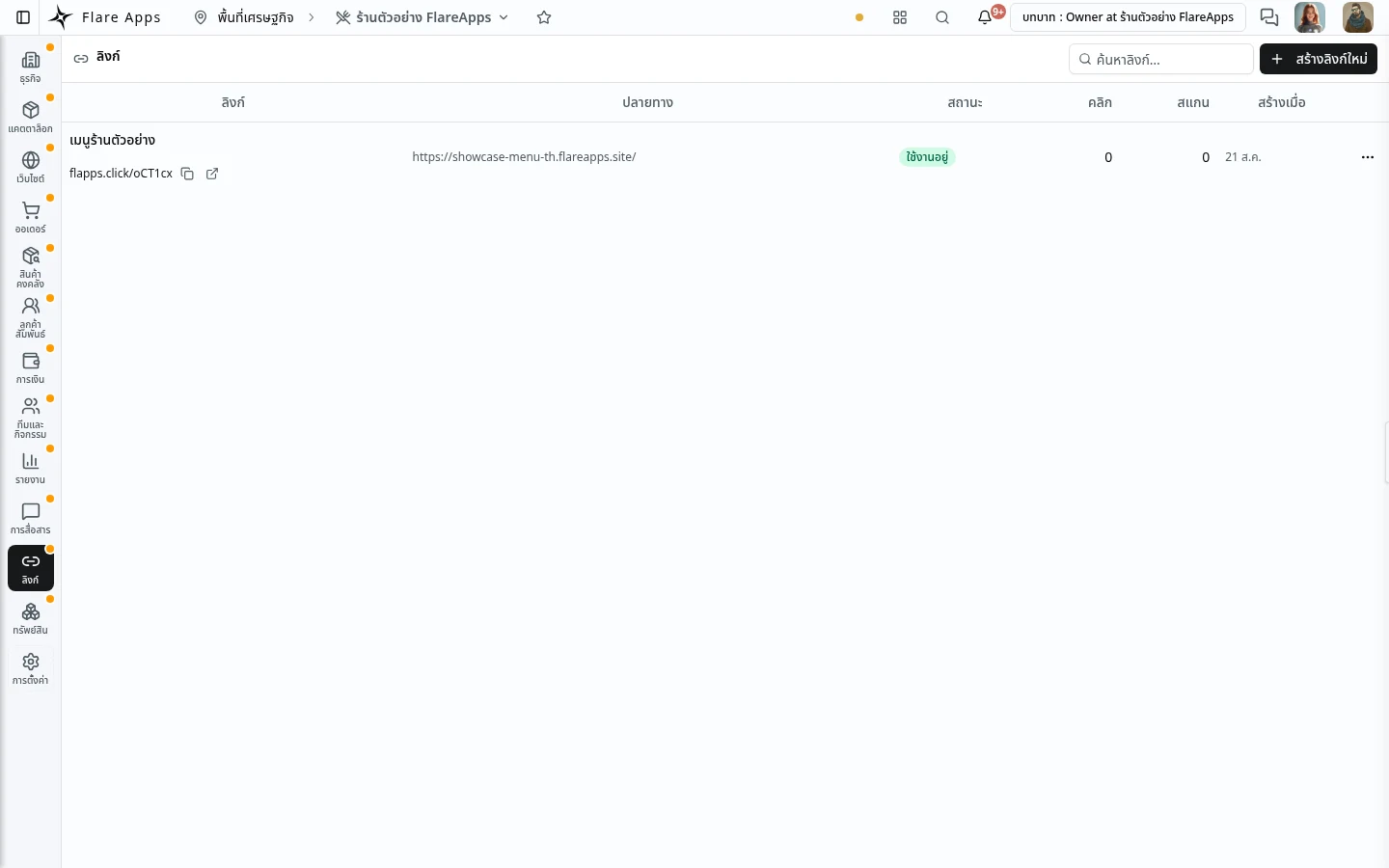
Shorten the address of any page and print it as a QR code for the table, the shopfront, or a name card.
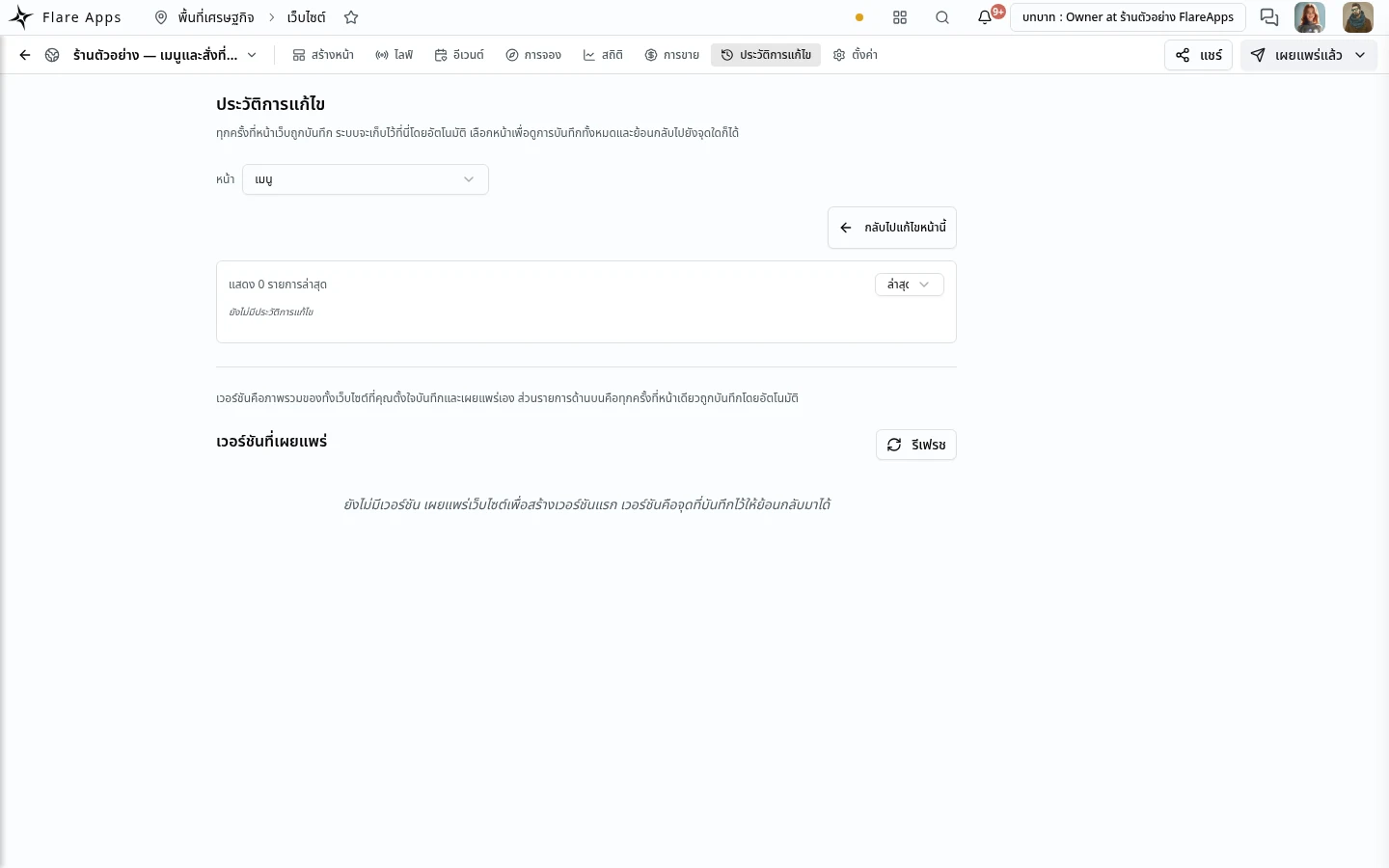
Keep editing without the live site changing until you press publish — and go back and look at an earlier version.
Upload once — use it on the website, in a note, and attached to a customer.
The website is part of the same account you do the rest of your work in — not a separate program you move files between.
You can download everything you have put in, and delete your account, with a 30-day grace period before it is really gone.
Every site published from here carries a "Report this site" control at the foot of the page. Anyone can use it without signing in.
Free during the beta
Build, edit and publish on a .flareapps.site address at no charge.
Up to 5 websites per account during the beta
What is counted
File storage and AI assistant use are counted against your account. The real numbers for each package are on the pricing page.
When you would upgrade
When you want more websites than the free package allows, or you run out of file storage.
Upgrading does not add your own domain or real payments — neither is open on any package yet.
Paid business packages start at ฿669/month — free during the beta.
Ask us anything before you sign up — whether it fits what you do, what it costs, how to move across what you already have. A real person reads these and replies on the contact you leave below.
Sign up free, pick a template, and publish your first page today.